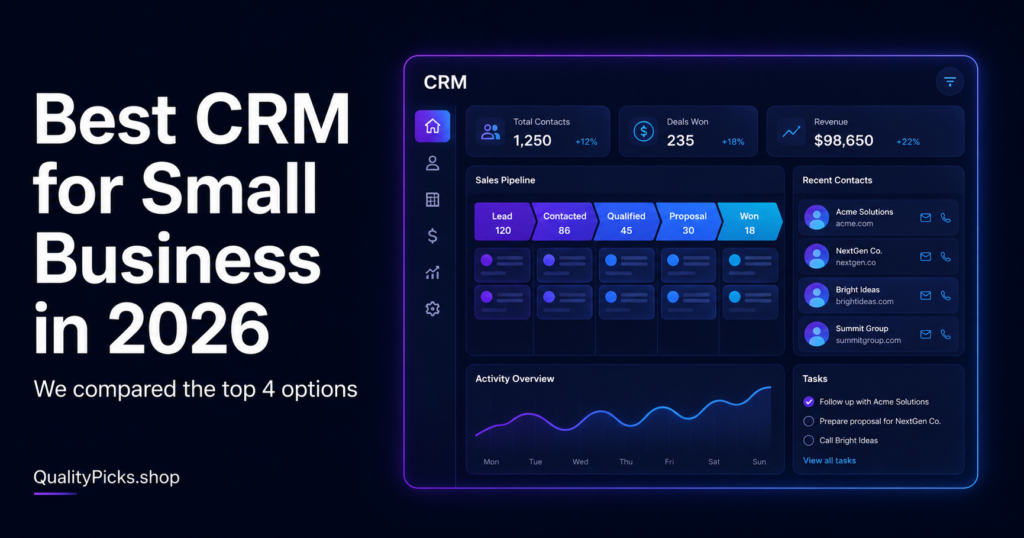
Best CRM for Small Business in 2026 (Top Picks Compared)
Meta description: Looking for the best CRM for your small business in 2026? We compare HubSpot, Pipedrive, Zoho and monday CRM to help you choose the right one.
Why Your Small Business Needs a CRM
If you’re still tracking leads and clients in spreadsheets or your phone’s contact list, you’re losing deals without even knowing it. A CRM (Customer Relationship Management) tool helps you organize contacts, track deals, and follow up at the right time — automatically.
The good news? In 2026, there are excellent CRMs for small businesses, including several free options. Let’s compare the top picks.
1. HubSpot CRM
HubSpot’s free CRM is one of the most generous on the market — unlimited users, contact management, deal pipelines, and email tracking, all at no cost.
Pros:
- Free forever plan with unlimited users
- Easy to learn, clean interface
- Integrates with marketing, sales, and service tools
Cons:
- Paid tiers (Sales Hub) get expensive as you scale
- Some automation features locked behind higher plans
Pricing: Free / Starter from ~$15 per seat/month / Professional from ~$90 per seat/month
2. Pipedrive
Built specifically for sales teams, Pipedrive’s visual pipeline makes it easy to see exactly where every deal stands.
Pros:
- Highly visual, drag-and-drop pipeline
- Strong automation even on entry-level plans
- Excellent mobile app
Cons:
- No free plan
- Lighter on marketing features compared to HubSpot
Pricing: Starts around $14–24 per user/month
3. Zoho CRM
Part of the larger Zoho ecosystem, Zoho CRM offers excellent value with AI features (Zia) and deep customization.
Pros:
- Free plan for up to 3 users
- Very affordable paid plans
- Highly customizable for any industry
Cons:
- Interface feels less modern
- Steeper learning curve for advanced features
Pricing: Free (up to 3 users) / Paid plans from ~$14 per user/month
4. monday CRM
Built on the monday.com Work OS, monday CRM offers a highly visual, board-based way to manage customers and deals.
Pros:
- Extremely flexible and customizable boards
- Great if you already use monday.com for projects
- Modern, intuitive interface
Cons:
- No free plan for CRM features
- Requires a minimum number of seats on paid plans
Pricing: Starts around $12 per seat/month (minimum 3 seats)
Comparison Table
| CRM | Best For | Free Plan | Starting Price | Rating |
|---|---|---|---|---|
| HubSpot CRM | Beginners & growing teams | ✅ Yes (unlimited users) | $15/seat/mo | 4.7/5 |
| Pipedrive | Sales-focused teams | ❌ No | $14/user/mo | 4.6/5 |
| Zoho CRM | Budget-conscious businesses | ✅ Yes (up to 3 users) | $14/user/mo | 4.5/5 |
| monday CRM | Teams already on monday.com | ❌ No | $12/seat/mo | 4.5/5 |
Which CRM Should You Choose?
Just starting out or on a tight budget?
Go with HubSpot CRM or Zoho CRM — both offer solid free plans that grow with you.
Running a sales-focused team?
Pipedrive is built specifically for managing deals and closing sales.
Already using monday.com for projects?
monday CRM keeps everything in one ecosystem.
Need the most scalable option long-term?
HubSpot CRM — the free plan is generous, and it scales into a full marketing/sales suite as you grow.
Final Verdict
⭐⭐⭐⭐⭐ 4.6/5
For most small businesses, HubSpot CRM is the best starting point — it’s free, easy to use, and grows with your business. If your team is purely sales-driven, Pipedrive is worth the investment for its pipeline-first design.
Bottom line: Don’t run your business from spreadsheets. A CRM — even a free one — pays for itself the first time it helps you close a deal you would have forgotten about.
Frequently Asked Questions
What is the best free CRM for small business?
HubSpot CRM offers the most generous free plan, with unlimited users and core CRM features at no cost. Zoho CRM is also a strong free option for teams of up to 3 users.
Do I really need a CRM as a small business?
Yes — even with just a handful of clients, a CRM prevents leads from falling through the cracks and helps you follow up at the right time, which directly impacts revenue.
Can I switch CRMs later without losing data?
Most CRMs allow you to export your contacts and deals as CSV files, which can then be imported into a new CRM. Starting with a free plan reduces the risk of switching later.